
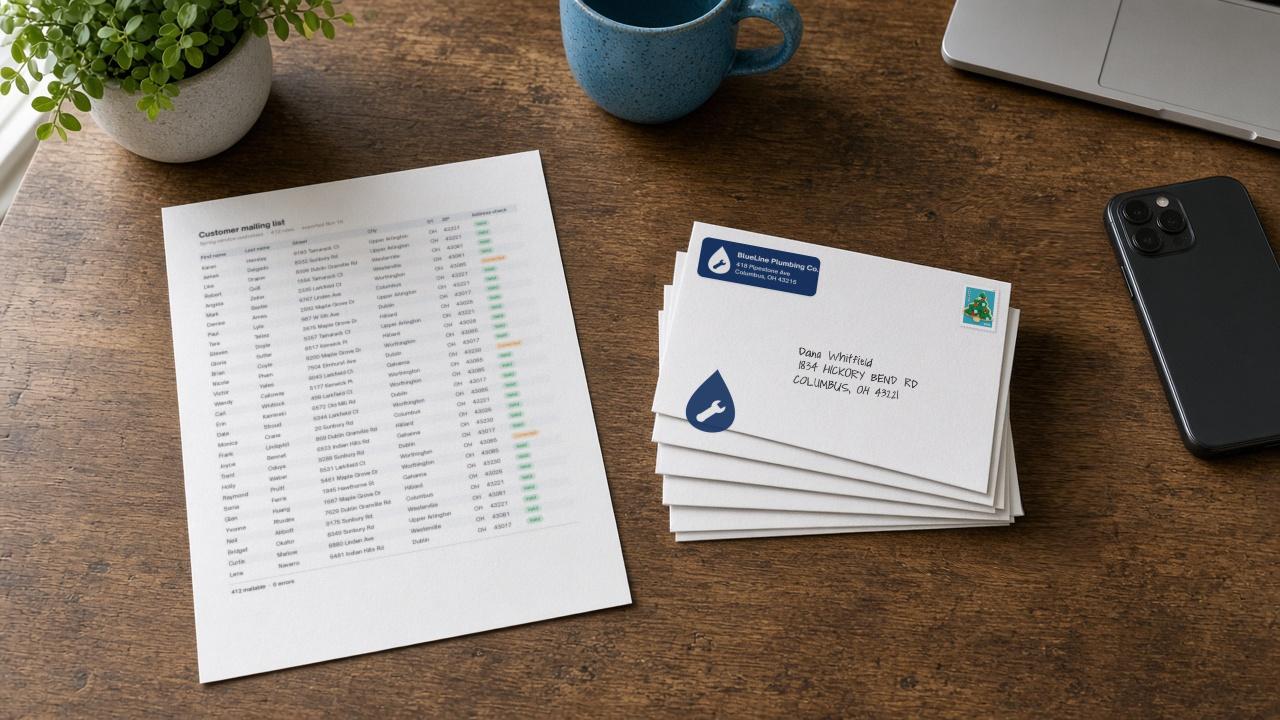
Before you write a single note, you need to know who gets one. For a founder running a store, that list already exists somewhere: in Klaviyo, in a store export, or in a spreadsheet you keep for wholesale accounts. The goal of this guide is simple. By the end, you'll have an audience in Tangible Post where every address has been checked, every name can be written by hand, and you know exactly which people will be mailed and billed.
That last part matters. In Tangible Post, you only pay for contacts we can actually mail. So a clean audience isn't just tidy, it's what decides your count and your cost.
What "mailable" means in Tangible Post
An audience is a list of people Tangible Post has cleaned and checked for mail. A mailable contact is one whose address came out of that check as Valid or Corrected. Only mailable contacts receive your package, and only mailable contacts are billed.
Each package is a handwritten note on your custom-printed card, a handwritten address, and a real stamp, with an optional custom-printed envelope and return label. If you want the full picture, here's what actually gets mailed in a branded package. Because every piece is written and stamped for one person, the address and the name on it have to be right.
There are two ways to build an audience: import it from Klaviyo or upload a CSV.
Path 1: Import a list or segment from Klaviyo
If you already run Klaviyo, the best-in-class email and SMS platform, it's the best place to build this audience. Your segments already know who bought, what they bought, and when, and you've likely spent real time getting them right. Bringing one into Tangible Post means your mail goes to the same people your email and SMS strategy is built around.
- Connect your Klaviyo account. Connecting Klaviyo is the first step on your Tangible Post dashboard.
- Pick a list or segment. Open the Audiences page and choose any list or segment. Every profile in it is imported.
- Choose extra fields to bring along. Tick any additional Klaviyo profile fields you want, such as a pet's name or a favorite product. These come in as custom properties you can use in your note.
- Review the address check. Tangible Post cleans each address and marks it Valid, Corrected or Error (more on that below).
Re-syncing: when your segment changes, you can re-sync to pull the latest version from Klaviyo. New people are added, people who left the segment are removed, and any address you fixed in Tangible Post is kept, unless that customer's address changes in Klaviyo. It's still worth correcting addresses in Klaviyo too, so your email and mail records match.
If you want to see where this goes next, our guide on how to send direct mail from a Klaviyo segment walks from segment to mailbox.
Path 2: Upload a CSV
A CSV works well for customers who don't live in Klaviyo: a store export, a wholesale contact list, or event signups.
- Prepare your file. Use the checklist below. Keep it under 10 MB.
- Upload and map your columns. On the Audiences page, upload the file and match each column to a field, such as street or first name.
- Leave extra columns unmapped if you want to keep them. Any column you don't map is kept as a custom property, so a column like
last_productorpet_namecan still show up in your note. - Review the address check. Same as Klaviyo: Valid, Corrected or Error.
Changes later: a CSV audience can't be re-synced. If your list changes, upload a fresh file.
Contacts with an email: if your Klaviyo account is connected and a row includes an email address, that contact is added to Klaviyo as a profile with their mail activity. They are never subscribed to your emails, so uploading a CSV won't quietly add anyone to your marketing.
CSV column checklist
Your file needs:
- [ ] Street address
- [ ] City
- [ ] State
- [ ] ZIP code
- [ ] At least one of: first name, last name, or company
Helpful to include:
- [ ] Email, if Klaviyo is connected and you want the contact added as a profile (never subscribed)
- [ ] Any extra columns you want to use in the note, left unmapped so they're kept as custom properties
Valid, Corrected and Error: what each one means
Every address, from either path, goes through cleanup. Tangible Post standardizes the formatting: "Street" becomes "St", states are abbreviated, ZIP codes and capitalization are made consistent. Then each contact gets one of three labels.
- Valid: the address checked out. It's mailable.
- Corrected: the address needed cleanup, and the cleaned version is mailable. It's worth a quick look before you send.
- Error: we couldn't make the address mailable. Error contacts are flagged, not mailed, and you're never charged for them. You can fix an Error contact right on the audience page, and it becomes mailable once it passes.
Names need to be in Latin script. Every note and address is handwritten in Latin letters. Accents are simplified (José becomes Jose). A name written in another script is held until you give it a Latin spelling.
Making the audience personal
Once your audience is in, its fields become merge fields for the handwritten note. The standard ones are:
{{first_name}}and{{last_name}}{{company}}{{city}}{{coupon_code}}and{{expiration_date}}, if you add a coupon
Any extra Klaviyo field or unmapped CSV column can be added with {{custom:property}}, for example {{custom:pet_name}}. That's how a note goes from "Thanks for your order" to something that sounds like you remember the customer. Custom fields work in one-time campaigns, and flows use the standard fields. For ideas on what to say to a new customer, see how to turn first-time buyers into repeat customers.
Before you launch: the 100-contact minimum
A campaign needs at least 100 mailable contacts. Remember that Error contacts don't count, so check your Valid and Corrected total, not just the size of your original list. If a narrow segment comes in under 100, widen the criteria a little in Klaviyo and re-sync, or combine sources into one CSV.
Quick recap
- If you run Klaviyo, import a list or segment and bring the extra fields you want. Address fixes you make in Tangible Post survive a re-sync unless the address changes in Klaviyo.
- For anything else, upload a CSV with street, city, state, ZIP and a name or company. Unmapped columns become custom properties. Re-upload to change it.
- Valid and Corrected contacts are mailed and billed. Error contacts are not.
- Names need a Latin spelling, and a campaign needs at least 100 mailable contacts.
Pick one group you'd like to reach in a more personal way, build the audience, and look at the counts. You'll know exactly who is getting mail before you pay for anything.